
Lightware Room Solutions for Barco ClickShare Conference
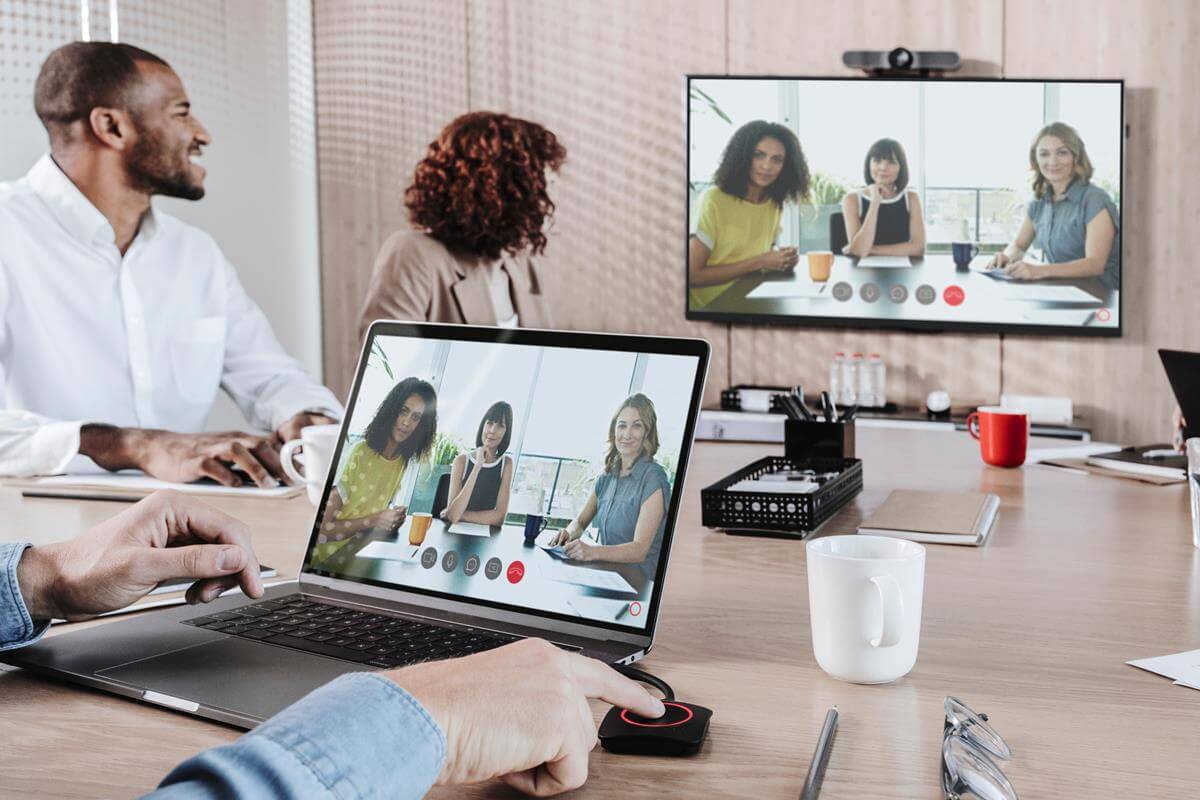
Using ClickShare, you just walk in the room and your laptop gets connected to the room camera, soundbar or speakerphone. But what do you do, if more people want to share the same USB peripheral? Yes, then you have to use Lightware’s solution!
Lightware and Barco both aim to enhance the meeting room experience. With employees returning to offices, a better user experience is more important then ever. As a result, seamless wired or wireless operation has become increasingly important.
We both strive to provide simple and intuitive technology to AV integrators, enabling them to provide state-of-the-art solutions for end users. A well equipped meeting room can seamlessly support their work, so they could focus on what they present and discuss, without being embarressed by technical shortages in what and how to connect.
Optimal Solution for Hybrid Collaborations
Combination of WIFI and USB Connectivity
Multiple Peripheral Connectivity for the Displays (USB, HDMI)
Easy to Set Up and Configure the System with the built-in Lightware Advanced Room Automation System (LARA)

ClickShare Conference in combination with Lightware Taurus UCX USB and HDMI Switchers can solve multiple use cases whereby e.g., multiple devices need to use the same USB peripherals, or these devices want to share content to the same display.
In rooms where ClickShare Conference is used as the default way to wirelessly present and conference, but occasionally users want to connect their laptop to either the display and/or the USB peripherals, a Lightware Switcher can be used to automatically trigger the required changes. Recommended switchers for this use case are the Taurus UCX-switchers.
Related Lightware Products
Lightware’s Taurus UCX is a universal switcher with the potential to transform any meeting space or huddle room into a unified communication powerhouse by unlocking all the benefits offered by USB-C technology.
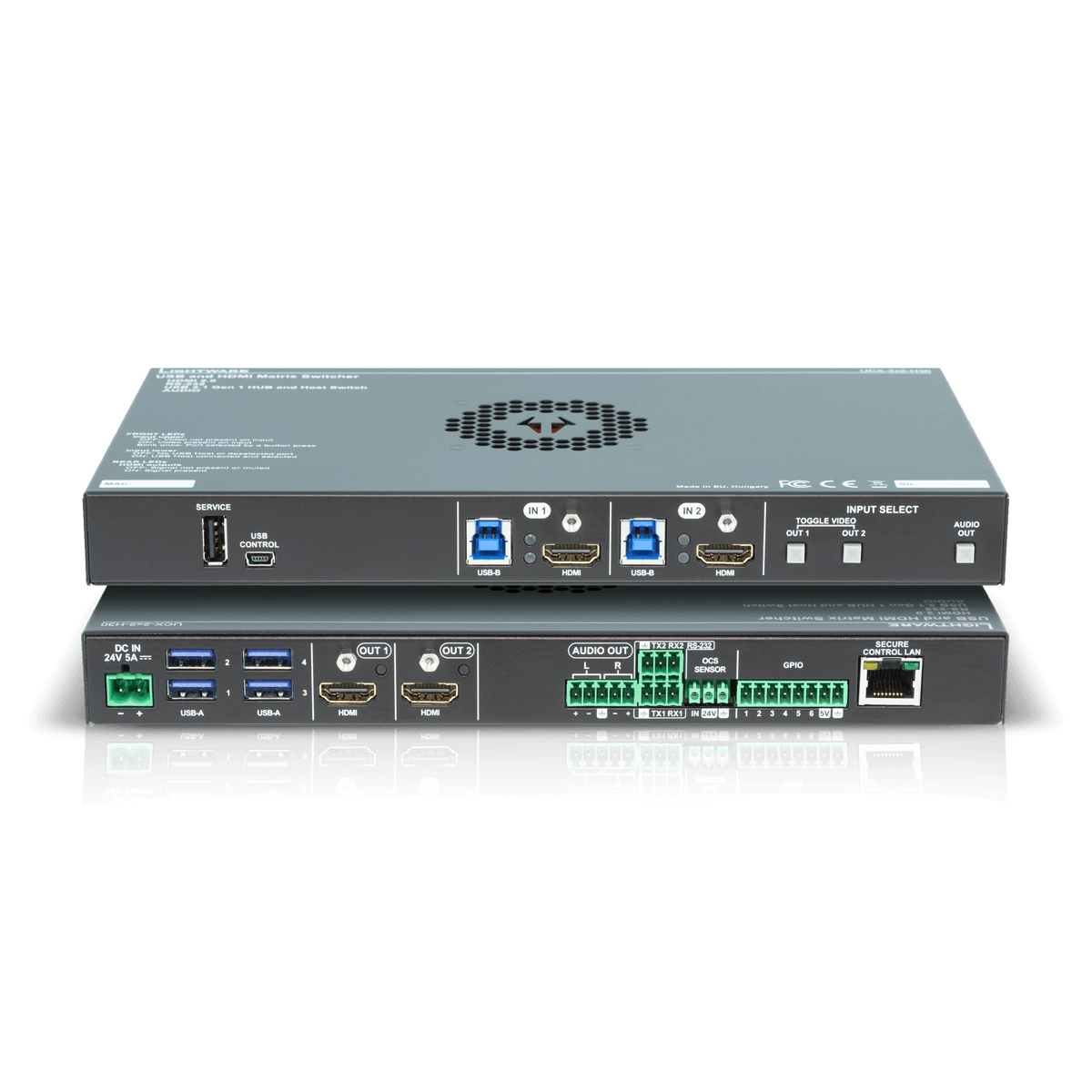
UCX-2x2-H30
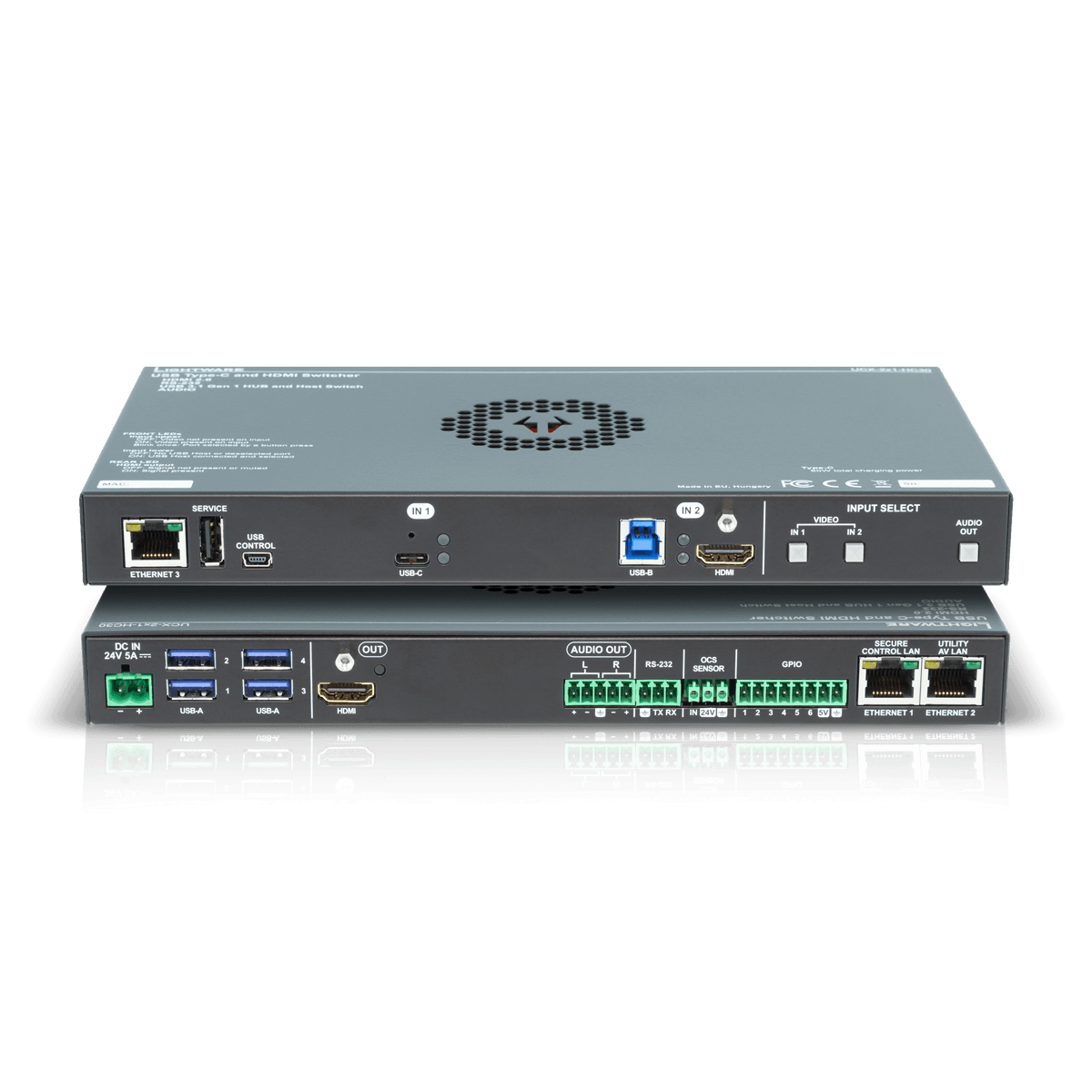
UCX-2x1-HC30
+ USB-C Connectivity and
Charging Up to 60W
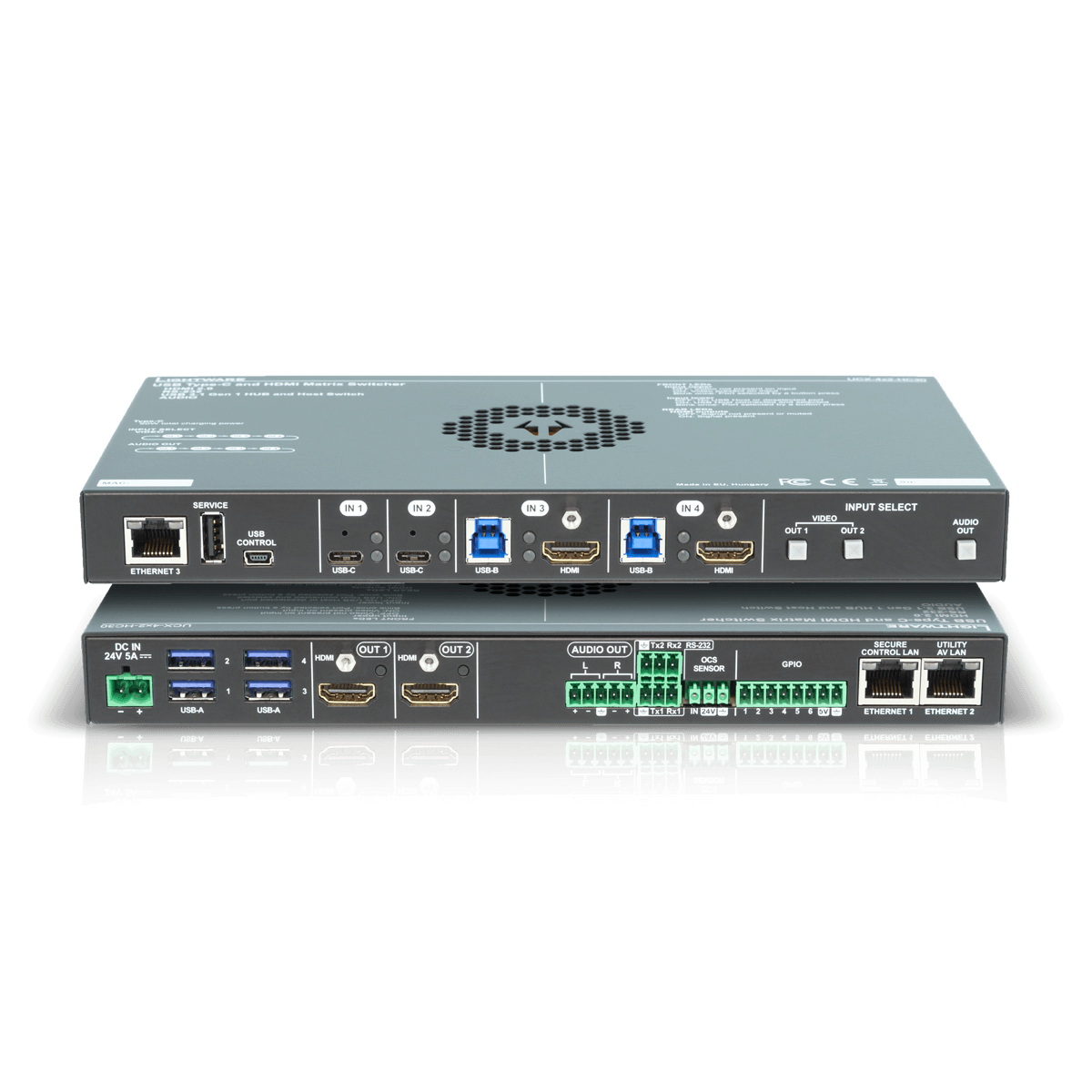
UCX-4x2-HC30
+ USB-C Connectivity and
Charging Up to 2 x 60W
Related Barco Products
ClickShare wireless conferencing devices help you run a better hybrid meeting in small to large meeting rooms and board rooms.
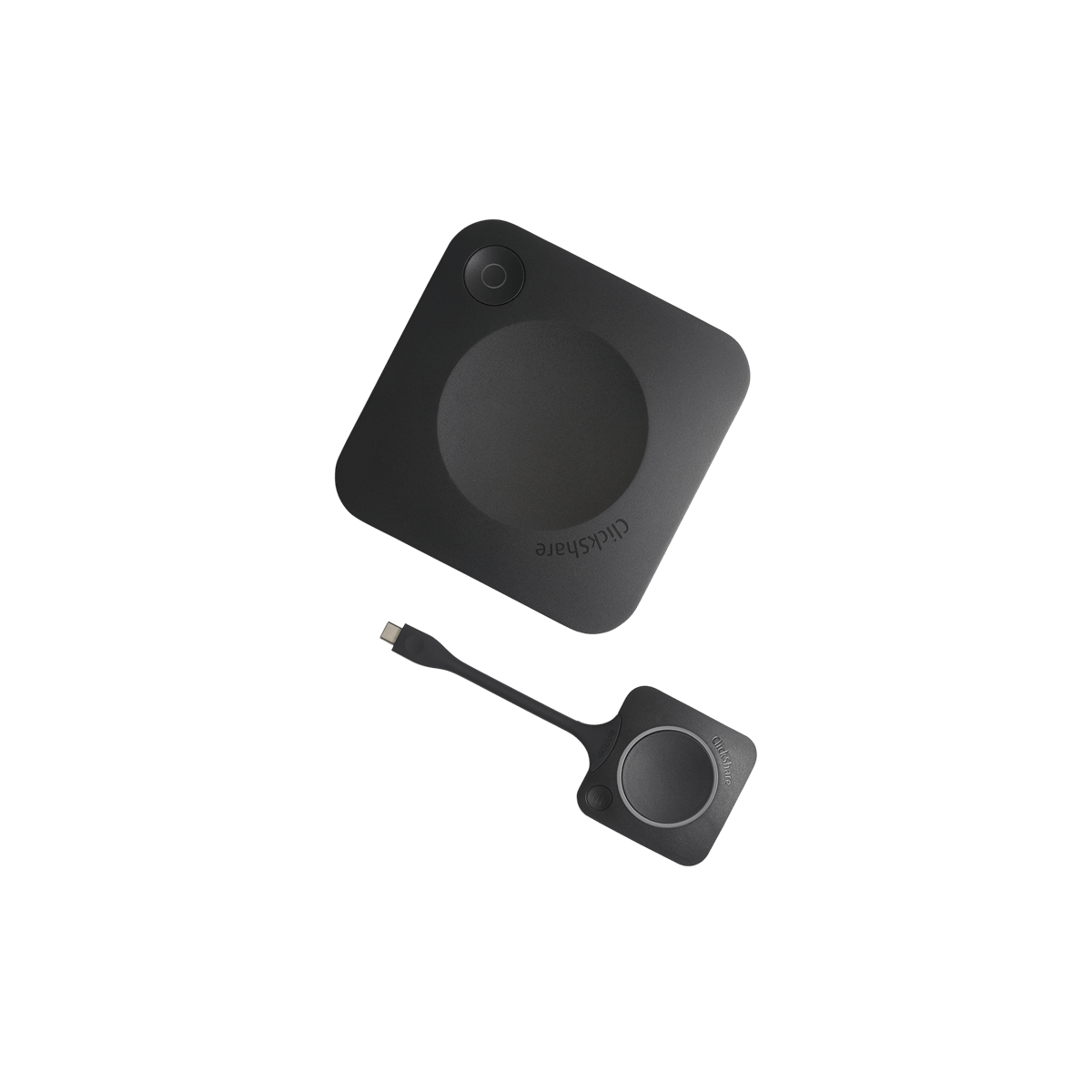
ClickShare CX-20
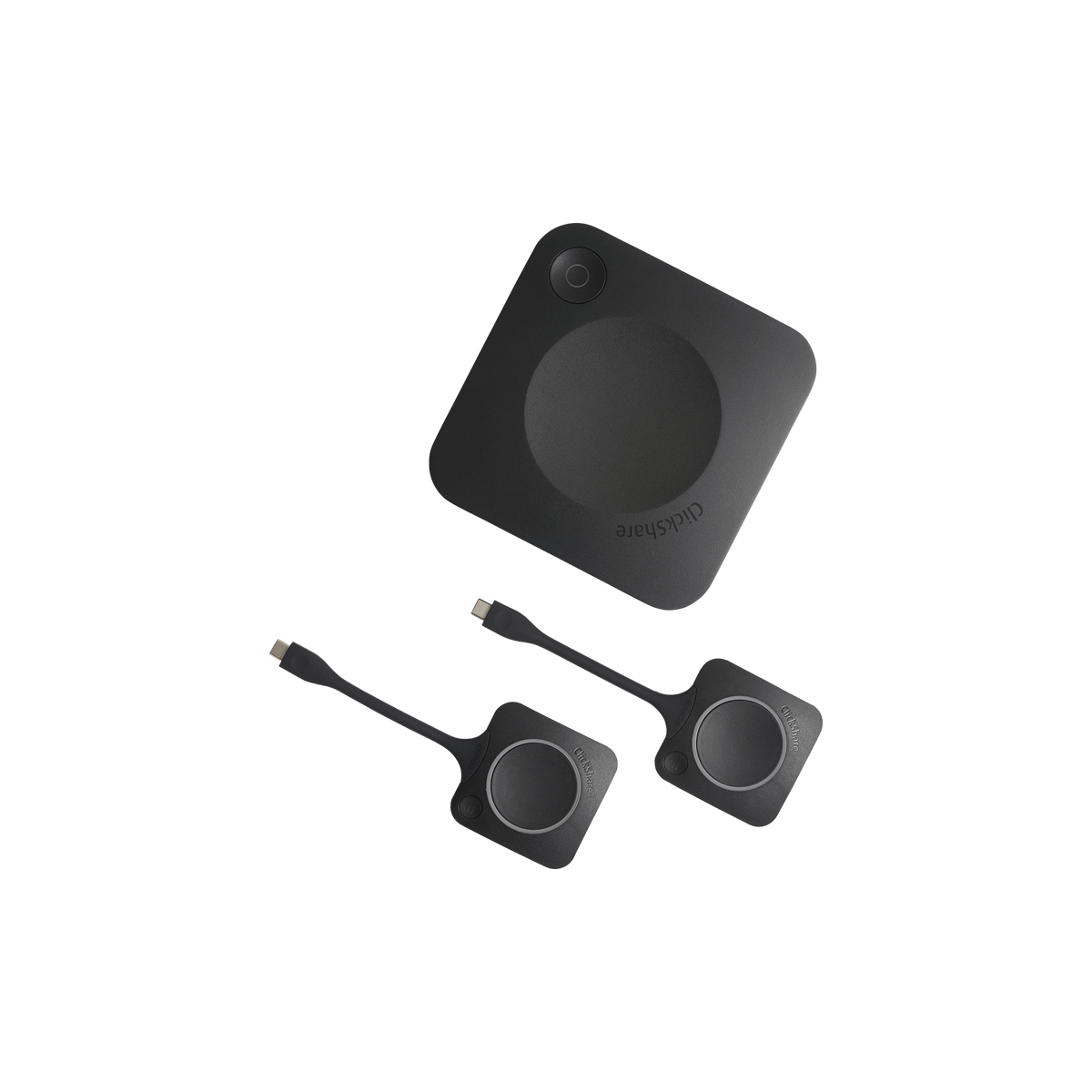
ClickShare CX-30
+ Full Interactivity
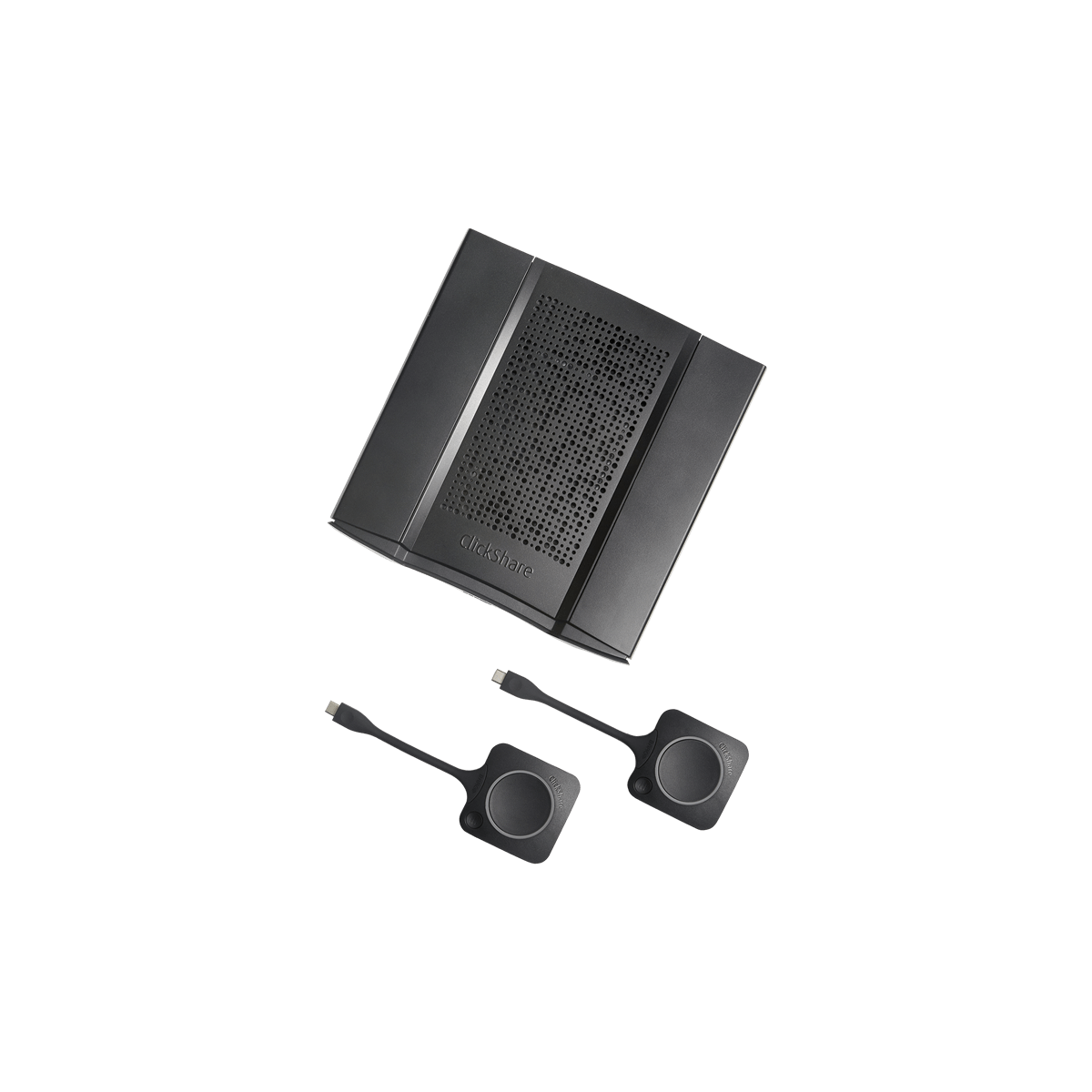
ClickShare CX-50
+ Full Interactivity
+ Advanced Network and AV Integration
+ HDMI Input Cable
ClickShare CX-50 Gen 2
+ Full Interactivity
+ Advanced Network and AV Integration
+ HDMI Input Cable
+ Dual Screen
+ UC Mode & BYOM experience
+ Wired Roomdock for 4K

MTR Button up!
This solution provides automatic BYOD or content sharing switchover function for conference rooms. Sources can be connected wirelessly with Barco ClickShare CX-30, CX-50 and CX-50 Gen 2 systems, or can be wired directly to the Lightware Taurus unit.
The wireless switchover is driven by the ClickShare button. The way of switching depends on the call status of the MTR conference system:
keyboard_arrow_rightWhen the MTR is out of call, the active source is automatically selected for BYOD type switching (video signal, USB room camera, microphone, speaker) by the LARA logic, according to the parameter settings
keyboard_arrow_rightWhen the MTR is in call, the video signal of the active source selected by the logic is switched to the Taurus output connected to the sharing input of the MTR system
The solution can also be used without the MTR conference system, for button driven wireless switchover according to the priorities, set in the Wireless Presenter Switcher module instance for the Barco ClickShare unit and for the other BYOD sources configured.
With the Lightware "MTR Button up!" Solution the ClickShare is connected to a Taurus UCX switcher. In the configuration you need a Conference PC as a hardware codec. If that is Then you will be able to provide the following services to participants:
keyboard_arrow_rightShare the room USB camera with any BYOD device connected either wired or wireless
keyboard_arrow_rightShare user content of the BYOD screen using either USB port or the ClickShare button
keyboard_arrow_rightSwitching between BYOD sources based on USB connection or the ClickShare button
keyboard_arrow_rightConnection to corporate network via USB-C port
keyboard_arrow_rightCharge BYOD device on USB-C port
Get in Touch to Discuss Your Projects
We encourage you to reach out to us in order to discuss and qualify your project’s needs and to ensure that you choose the right bundle for your requirements.
Find your regional sales partner
Our dedicated experts are at your disposal and would happily discuss your upcoming AV project to help you finding the right technology and devices for your needs. Get in touch with us today!
Find your local Lightware office